One calendar for the whole household
You open a shared space, send six characters — and from that moment you all see the same thing. No account, no ads, no tracking.
Free. No premium tier and no in-app purchases.
Anna's change → visible on Peter's phone
Quick add
A sentence instead of a form
You write the way you think. The app pulls the sentence apart into title, date, time, length and person — you only confirm. What you see here is the same parser you get on the phone; the field is live, type something of your own.
- Twelve languages, twelve dictionaries. English rules are English, not translated from somewhere else.
- Nothing saves itself. The editor opens pre-filled; the last word is yours.
- Works from outside too. Select text in any app and share it to CALEN.
Work rota
A month of shifts in a dozen taps
You describe a shift once — start time, length and colour. After that, entering a whole month is picking a template and tapping days. The calendar remembers what is already in the rota, so next time you adjust it instead of typing it again.
- A template, not a form. Day, night, full day — described once and good for ever. The colour comes from the calendar, so nothing drifts out of step.
- You can see what is already in. Days that are in the rota are marked the moment you open it. A tap removes a shift that is not happening.
- The total underneath. Shifts and hours for the month, counted as you go — including the ones that run 16 hours and 30 minutes.
Person colours
You see whose it is before you read it
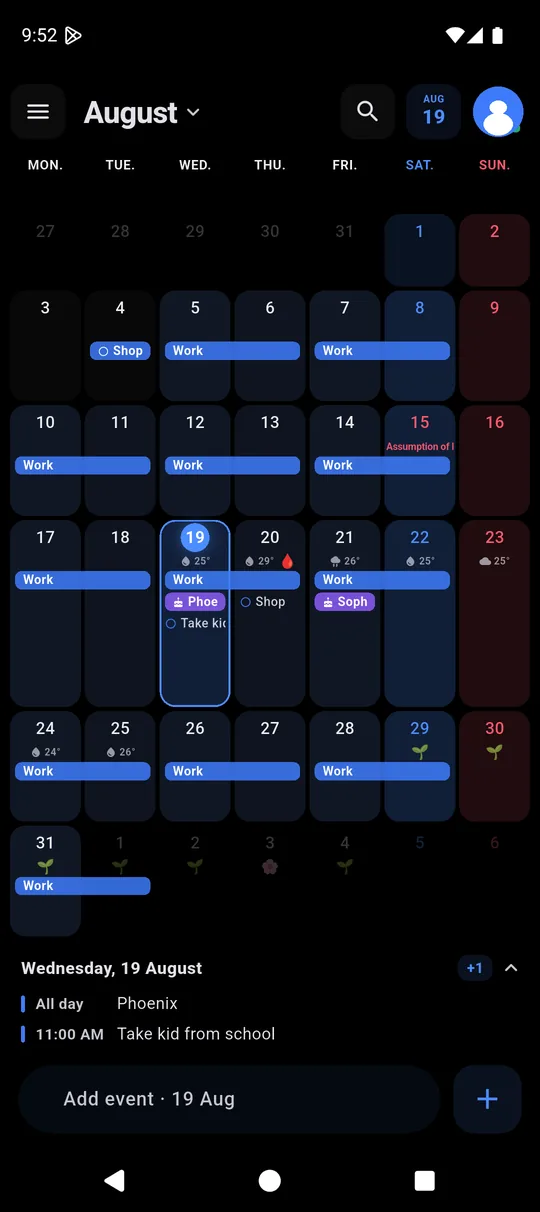
Every member of the household has their own colour. In a busy month that is the difference between a wall of text and a single glance. Tap someone on the left — the rest dims.
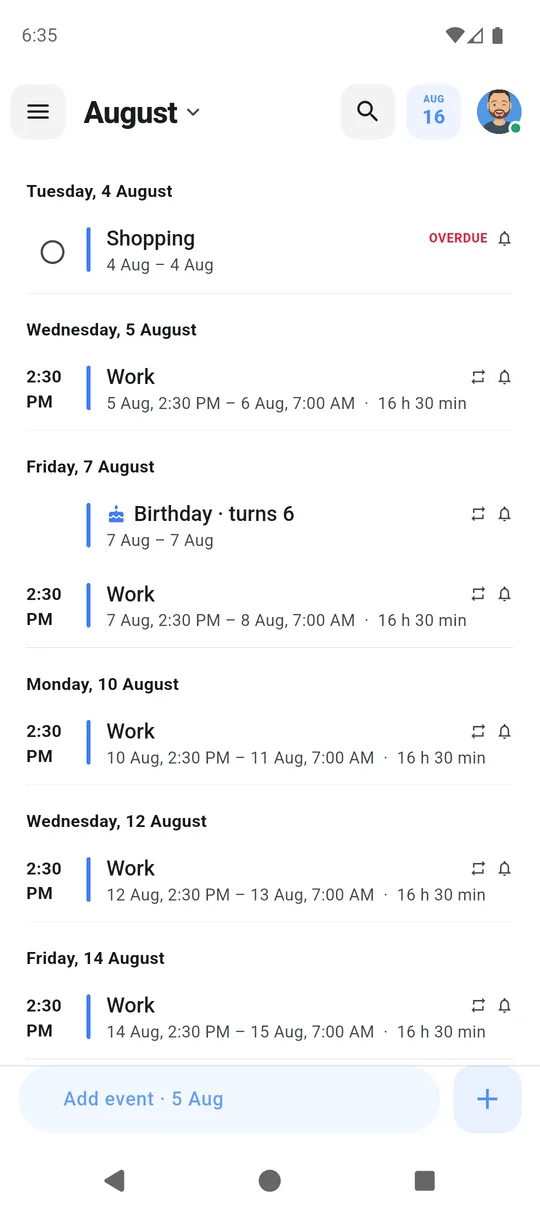
- Three kinds of entry. An event has a time, a task gets ticked off, a birthday returns every year and shows the age.
- Five views. Month, week, three days, day and list — switched with a swipe up or down.
- Drag and drop. Hold and move it — to another day or another hour.
On the home screen
The day visible without opening the app
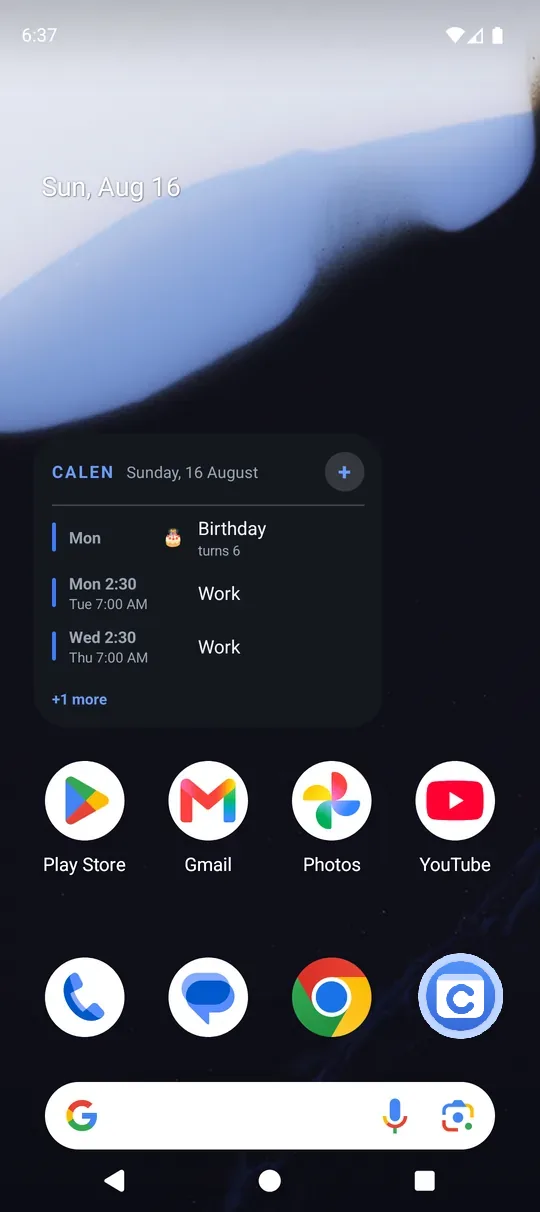
A widget with what's coming up and a second one with the whole month, in light, dark or transparent. Tasks get ticked off straight from the home screen.
Privacy
What leaves the phone, and when
A table instead of promises. Everything below can be verified: Android's automatic backup is deliberately switched off, so the promise holds even when nobody is looking.
| What | Without an account | With sync switched on |
|---|---|---|
| Events and calendars | phone | phone + shared space |
| Private calendar | phone | your account only |
| Notes | phone | phone + shared space |
| Cycle data | phone | only you, until you share it |
| Photo attached to an event | phone | phone |
| Error log | phone | phone |
No ads, no tracking
No advertising identifiers, no analytics. This page has none either — which is why there is no cookie banner on it.
Weather only on request
You switch it on yourself. Open-Meteo receives the name of the city you search for and the coordinates of the one you pick — never your GPS position and nothing from the calendar.
You delete the account yourself
From the app, in two taps, together with the cloud data. How it works.
For those who need it
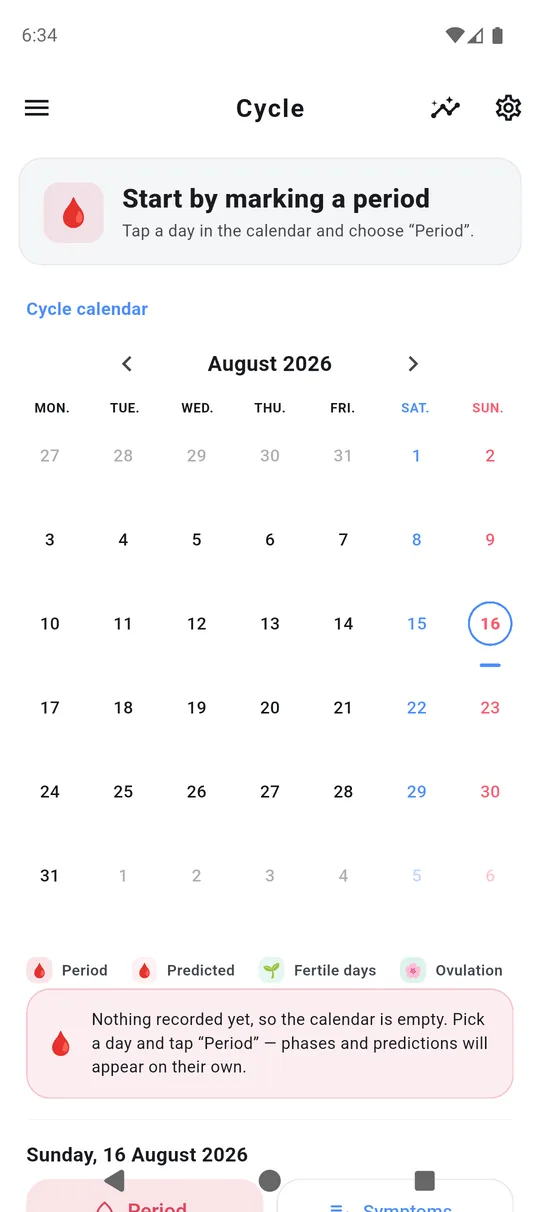
The cycle in the calendar, but on its own
Cycle entries, symptoms and mood live in the same calendar as the rest of the household — and still only you see them. Sharing is a separate switch, off by default, and it covers predicted days only, never the entries.
If you don't need it, you switch the whole module off in settings and it disappears from the menu too.
Reach
Twelve languages, holidays of twenty-three countries
The whole interface, privacy policy and sentence parser included. The layout mirrors for Arabic. You pick the holiday countries yourself and can tick several at once. This page speaks all of them too — tap to switch.
Questions
What people ask most
Do I need an account?
How do I add a second person?
Does a new code throw out people who already joined?
Does it work without internet?
What exactly do the others see?
Can I move events from another calendar?
What does it cost?
Which language will the app be in?
How do I delete my account and data?
Who makes this?
Nothing like that here. Write to fundsy@int.pl — a human replies.
A minute to start
Install it and just use it
You'll create an account when you need one — or never.